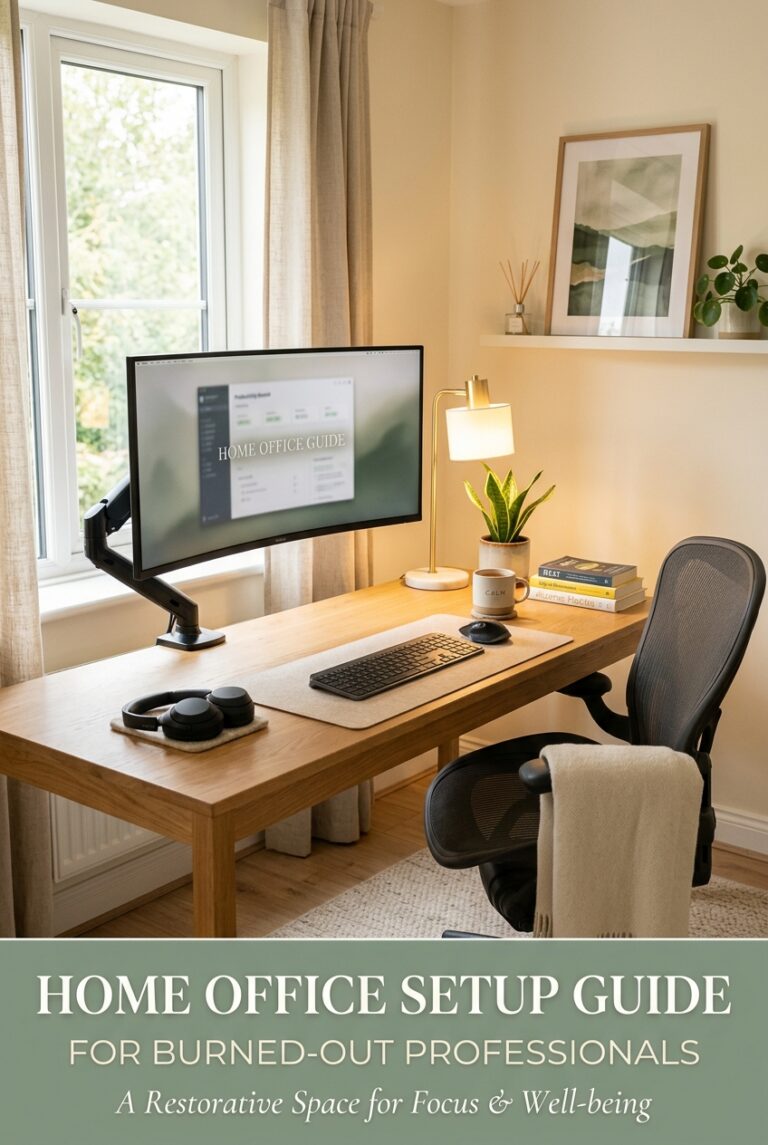
The Best Ergonomic Mouse for Carpal tunnel: A Burned-Out Professional’s Guide to Pain-Free Work
It’s 2 PM on a Wednesday, and you’re staring at your computer screen wondering why your wrist feels like it’s wrapped in barbed wire. You’ve got three hours of work left, a backlog of emails that seems to multiply faster than you can respond, and your right hand is throbbing in that familiar, nauseating way that keeps you up at night.
This was my reality for nearly eight months.
I was a burned-out marketing manager working 50-60 hour weeks, churning through spreadsheets, designing graphics, and typing emails that probably could have been texts. My carpal tunnel syndrome didn’t announce itself with a bang—it crept in quietly, starting as a tingling sensation during late-night work sessions, then evolving into sharp, shooting pain that would wake me at 3 AM.
I ignored it. Most of us do.
I bought wrist braces, stretched obsessively, and adjusted my desk setup approximately 47 times. But nothing fundamentally changed until I invested in a proper ergonomic mouse designed specifically for carpal tunnel relief. That decision didn’t just ease my pain—it became part of my larger burnout recovery strategy.
If you’re reading this, you probably recognize that wrist pain. You might even be dismissing it the way I did. Let me give you the research-backed case for why a quality ergonomic mouse isn’t a luxury—it’s essential prevention and treatment for anyone working toward burnout recovery.
Understanding Carpal Tunnel and Work-Related Wrist Pain
Before we talk solutions, let’s understand the problem. Carpal tunnel syndrome affects roughly 4-5% of the American population, and for office workers, the prevalence is significantly higher. According to research published in the Journal of Occupational and Environmental Medicine, repetitive gripping, prolonged wrist extension, and continuous mouse use are among the top contributing factors.
Here’s what happens: your carpal tunnel is a narrow passageway in your wrist that contains nine tendons and the median nerve. When you use a traditional mouse, your wrist typically stays extended and supinated (rotated outward) for hours at a time. This position compresses the median nerve, triggering inflammation, tingling, numbness, and that distinctive pain that radiates from your wrist into your forearm and hand.
Separate research published in the Journal of Occupational Rehabilitation found that ergonomic input devices—specifically vertical and contoured mice—can reduce carpal tunnel symptoms by up to 40% when used consistently. The key mechanism is the same: these mice promote a neutral wrist position, where your forearm and hand maintain a straight line from elbow to fingertip.
For burned-out professionals already running on fumes, carpal tunnel becomes another stressor—a physical manifestation that your body is literally screaming for relief. Pain compounds exhaustion. Your nervous system stays in a low-level stress response, your cortisol stays elevated, and your sleep quality suffers. The burnout deepens.
Why an Ergonomic Mouse Matters More Than You Think
Your mouse might seem like a minor component of your workspace, but you interact with it thousands of times per day. A standard mouse forces your hand into an unnatural, pronated position that perpetually stresses the carpal tunnel.
An ergonomic mouse, particularly one designed for carpal tunnel relief, changes the game by:
Maintaining Neutral Wrist Position
Vertical or contoured ergonomic mice keep your wrist in a more neutral position—closer to a handshake orientation rather than a palm-down grip. This reduces pressure on the median nerve and distributes the workload across different muscles rather than concentrating stress on the carpal tunnel area.
Reducing Grip Tension
Ergonomic mice are typically larger and contoured to fit your hand naturally. This means you don’t have to squeeze and grip as hard to maintain control. Less tension means less inflammation and faster recovery.
Decreasing Repetitive Strain
Better mouse design means smoother movements and less wrist twisting. You’re not compensating with your forearm and shoulder when your mouse is properly designed.
Vertical vs. Contoured: The Key Difference
There are two primary ergonomic mouse categories, and they work differently. Vertical mice position your hand as if you’re shaking someone’s hand—thumb pointing upward. This dramatically reduces supination and is typically the most effective for carpal tunnel relief. Contoured mice have an angled shape that supports your palm and encourages a more neutral position than standard mice, but they don’t achieve the full vertical advantage. They’re a middle ground—better than standard, not as aggressive as vertical.
Whichever category you choose, fit matters more than most people realize. A mouse that doesn’t fit your hand properly becomes useless. Your fingers should rest naturally on the buttons without stretching, and your palm should have full contact with the base. If your work involves spreadsheets, detailed design, or coding, look for adjustable DPI settings too—less hand movement for the same precision means less cumulative strain.
Top Ergonomic Mouse Recommendations for Carpal Tunnel
The Vertical Mouse: Best for Neutral Positioning
Logitech MX Vertical Advanced Ergonomic Mouse sits at the top of my recommendation list for burned-out professionals seeking immediate relief. This mouse positions your hand in a near-vertical handshake position, reducing forearm pronation significantly.
Pros: Exceptional build quality, quiet clicking, intuitive customization software, excellent battery life (4-month claim), and smooth tracking. The vertical design genuinely reduces wrist strain.
Cons: Higher price point ($100+), requires an adjustment period if you’re transitioning from traditional mice, and the vertical design isn’t ideal if you’re sharing workstations with others.
Best for: Remote workers or dedicated desk setups who spend 6+ hours daily at their computer.
The Contoured Alternative: Smoother Transition
Razer Pro Click Vertical offers an excellent contoured option if full vertical feels too extreme. The ergonomic shape guides your hand toward a neutral position without the dramatic rotation change.
Pros: Less intimidating for those transitioning from standard mice. Still provides significant carpal tunnel relief. Excellent precision for detail work. Lightweight and responsive with a professional look for video calls.
Cons: Not quite as effective as full vertical designs for severe cases. Higher price point (around $70). Wireless only.
Best for: Professionals with mild carpal tunnel symptoms, or anyone who wants relief without a dramatic-looking mouse on video calls.
The Budget Vertical Option: Best for Gradual Transition
If a premium vertical mouse feels like too big a leap, the Anker Ergonomic Vertical Mouse offers a low-cost way to test whether the vertical position works for you. It’s a genuine vertical design, just at a fraction of the price.
Pros: Budget-friendly ($25-40), full vertical design, wired option available (more reliable than some wireless in day-to-day use), and lightweight enough for travel.
Cons: Build quality isn’t premium, software is basic, and button responsiveness isn’t as refined as pricier options.
Best for: Professionals testing the waters of ergonomic solutions, or those on a tight budget who need relief now rather than later.
The Premium Option: Best for Maximum Support
The Evoluent VerticalMouse represents the gold standard for carpal tunnel sufferers. Designed by ergonomic specialists in consultation with hand surgeons, this mouse is specifically engineered for carpal tunnel relief.
Pros: Specifically designed for carpal tunnel prevention and relief, offers wireless and wired options, excellent customer support from a company focused entirely on ergonomic peripherals, and proven results from extensive user testimonials.
Cons: Premium pricing ($80-100+), requires a genuine adjustment period, and might be overkill if your carpal tunnel issues are mild.
Best for: Professionals with moderate to severe carpal tunnel symptoms who need clinically-designed solutions.
Beyond the Mouse: Creating a Complete Carpal Tunnel Recovery Strategy
Here’s what I learned: an ergonomic mouse is essential, but it’s not a magic cure for burnout-related carpal tunnel. It’s one piece of a larger recovery puzzle.
While you’re upgrading your mouse, also consider:
Monitor and Keyboard Positioning
Your screen should be at eye level, with the top of the screen at or slightly below your eye line—this prevents the hunching that exacerbates wrist compression. Your keyboard should be at elbow height with wrists neutral. If your monitor is too high or you’re working on a notebook, invest in a laptop stand.
Regular Movement Breaks
Set a timer for roughly 45-55 minutes of work, then take five minutes of movement. Stand up, stretch your forearms, shake out your hands, and rotate your wrists. This isn’t luxury—it’s maintenance. These micro-breaks prevent the cumulative compression that develops over an eight-hour day.
Night Wrist Support
Sleep position matters enormously. A quality wrist brace worn at night keeps your wrist neutral while sleeping, accelerating nerve decompression and recovery.
Stress Reduction
This might sound disconnected, but stress physically tightens muscles. Burned-out professionals with elevated cortisol levels experience more muscle tension, which exacerbates carpal tunnel symptoms. Addressing the burnout aspect—through better boundaries, delegating work, or seeking support—directly impacts physical recovery.
Making the Investment Without Guilt
You might be hesitating because an ergonomic mouse feels like self-indulgence when you’re already stretched thin. Let me reframe this: preventing or treating carpal tunnel is preventing lost work days, medical expenses, and potentially surgery. The average carpal tunnel surgery costs $5,000-$20,000. An ergonomic mouse costs under $100.
This is preventive health. This is self-respect disguised as office equipment.
When I finally purchased my vertical mouse three months into my burnout recovery journey, it signaled something important to my brain: “We’re taking our health seriously. We’re making changes that stick.” That psychological shift mattered as much as the physical relief.
Making the Transition Work
Switching to an ergonomic mouse when you’re burned out requires patience. You’ll feel less efficient initially. You might make more errors. Your hand needs time to recalibrate. Give yourself two to three weeks before evaluating whether it’s working—the first week is uncomfortable, the second week is awkward, and by the third week your nervous system starts adapting and the pain relief becomes noticeable.
I made the mistake during my own recovery of abandoning a vertical mouse after one week because it “slowed me down.” I reverted to my standard mouse, the pain came roaring back within days, and I’d wasted a week of potential healing. The second attempt, I committed fully to the adjustment period, and it transformed my daily experience.
Your Next Step
Your wrist pain isn’t normal. It’s not something you have to accept as the cost of professional success. It’s your body’s signal that something needs to change—in your setup, your schedule, and your approach to work.
Start with one thing today. Research ergonomic mice. Read reviews. Set a budget. Make an order. Then commit to the adjustment period.
And once you find relief in your wrist? Notice how that relief ripples through the rest of your burnout recovery. Pain gone. Focus sharpens. Frustration decreases. Work becomes slightly more sustainable.
What’s holding you back from investing in wrist pain relief today? Is it cost, skepticism, or simply not knowing where to start? Let me know in the comments—I’m here to help you think through it.